Set up the consignor portal
- In Settings and setup, enable the consignor portal and choose your portal URL name. Choose whether consignors receive access by default. You can enable or disable access for individual consignors in their records.
- Make sure each consignor has their own email address in Consignify. Share your portal link, or open the consignor’s More menu and choose Send portal link. They enter their email address and receive a sign-in link; they do not need a Shopify account or a password.
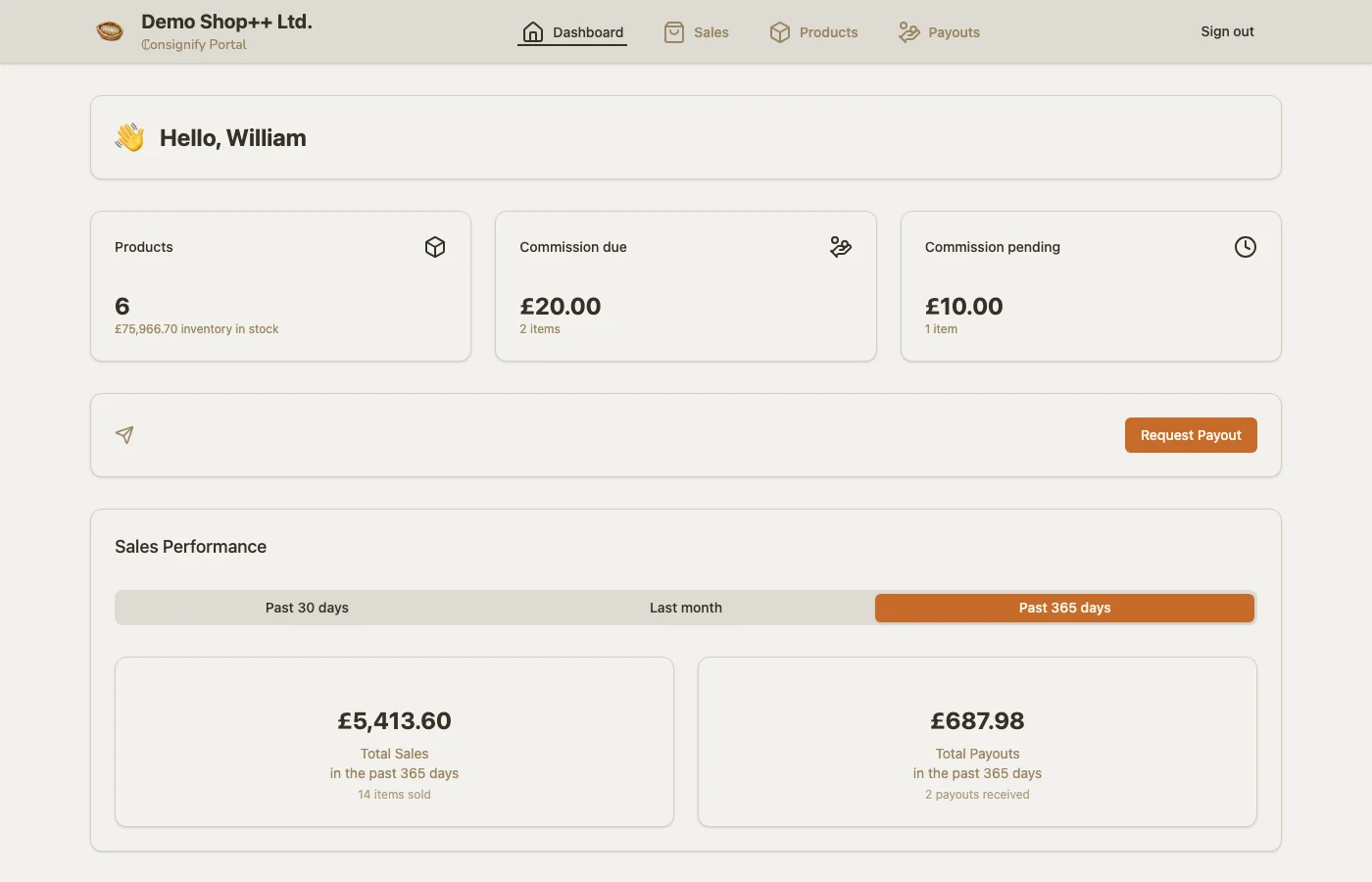
- Consignors can view their products, sales and paid payouts. Unpaid payouts remain private to your shop until you mark them as paid. Choose in portal settings whether to show the value of in-stock inventory.
- If you enable payout requests, consignors can ask your shop for a payout through the portal. A request is a notification for you to review; you still prepare the payout and pay through your usual method.
Let consignors help with product listings
On the Large Shop plan, you can allow consignors to create draft products for you to review and publish in Shopify. Editing active products is a separate permission and requires product entry access; changes to active products, including prices and stock quantities, take effect immediately. Choose defaults in portal settings and adjust each consignor’s permissions. The shop’s product location sets where consignors manage stock, and you can choose a different location for a consignor.
Contracts and your shop’s branding
Upload a consignor’s contract when adding or editing their record so they can download it from their portal dashboard. Under Settings and setup › More, add your logo and portal favicon; use Portal appearance to choose the theme and color mode.